


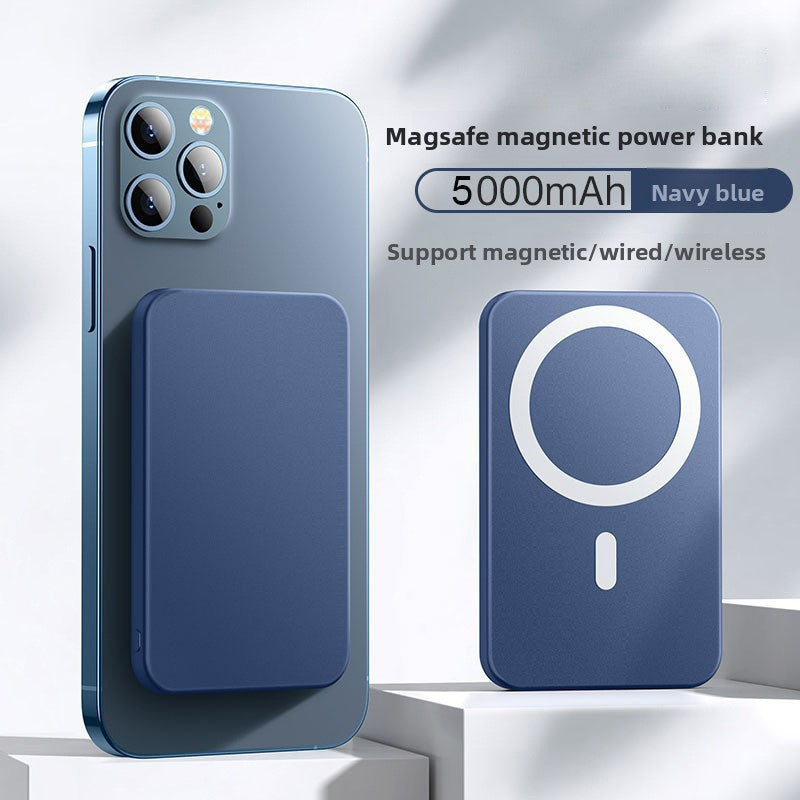
Magnetic Power Bank
Magnetic Power Bank
📡 Wireless Conversion: Converts wired CarPlay to wireless, enhancing convenience for users.
⚙️ Dual-Core CPU: Ensures smooth performance and faster processing.
🔌 USB/Adapter Interface: Compatible with various car models featuring CarPlay/Android Auto systems.
🪶 Lightweight: Weighs only 60g, adding minimal bulk to your setup.
Couldn't load pickup availability


Marcus Jackson
The wireless CarPlay connects fast and stays stable. No more plugging my phone in every time I drive. Super convenient!
⭐⭐⭐⭐⭐
What Our Customers Are Saying
-
⭐⭐⭐⭐⭐
Setup took less than a minute, and it works smoothly with my car’s system. Definitely worth it if you’re tired of cables.
Alyssa K. -
⭐⭐⭐⭐⭐
The dual-core CPU makes a big difference — everything feels quick and responsive. No lag at all. Highly recommend!
Kevin T. -
⭐⭐⭐⭐⭐
It barely weighs anything and doesn’t clutter my dashboard. Connects automatically every time I start the car. Love it!
Sandra P.
FAQ
What does a Wireless CarPlay Adapter do?
A Wireless CarPlay Adapter converts your existing wired CarPlay system into wireless, allowing your iPhone to connect automatically without plugging in a cable.
Is it compatible with my car?
Most vehicles that already support wired CarPlay are compatible. If your car has a USB-based CarPlay system, the adapter should work. Check your vehicle model and year to be sure.
Does it work with Android Auto?
Some models support both Wireless CarPlay and Wireless Android Auto. Check the product description to confirm your version’s compatibility.
How long does it take to connect?
Typically 5–15 seconds after starting the car. Once paired the first time, it connects automatically every drive.
Do I need to install any apps?
No app is required for most adapters. Just plug it into your car’s USB port, pair your phone via Bluetooth, and you’re set.
Will there be any lag or delay?
The dual-core CPU ensures smooth performance. In most cases, there is little to no noticeable lag compared to wired CarPlay.
Can multiple phones be paired?
Yes! You can pair multiple devices, but only one phone can connect at a time. The adapter will automatically connect to the last phone used.
Does it drain my phone battery faster?
Wireless CarPlay uses a bit more battery than wired, but most users don’t notice a major difference. You can still charge your phone normally while using CarPlay.